


A QR code on a billboard works when it has a clear reason to scan, sits in a place where viewers aren't driving, and resolves to a fast mobile page. Pair a dynamic QR with a short CTA, oversize the code for the read distance, and you turn a one-way ad into a measurable channel with real scan data.
Can You Put a QR Code on a Billboard?
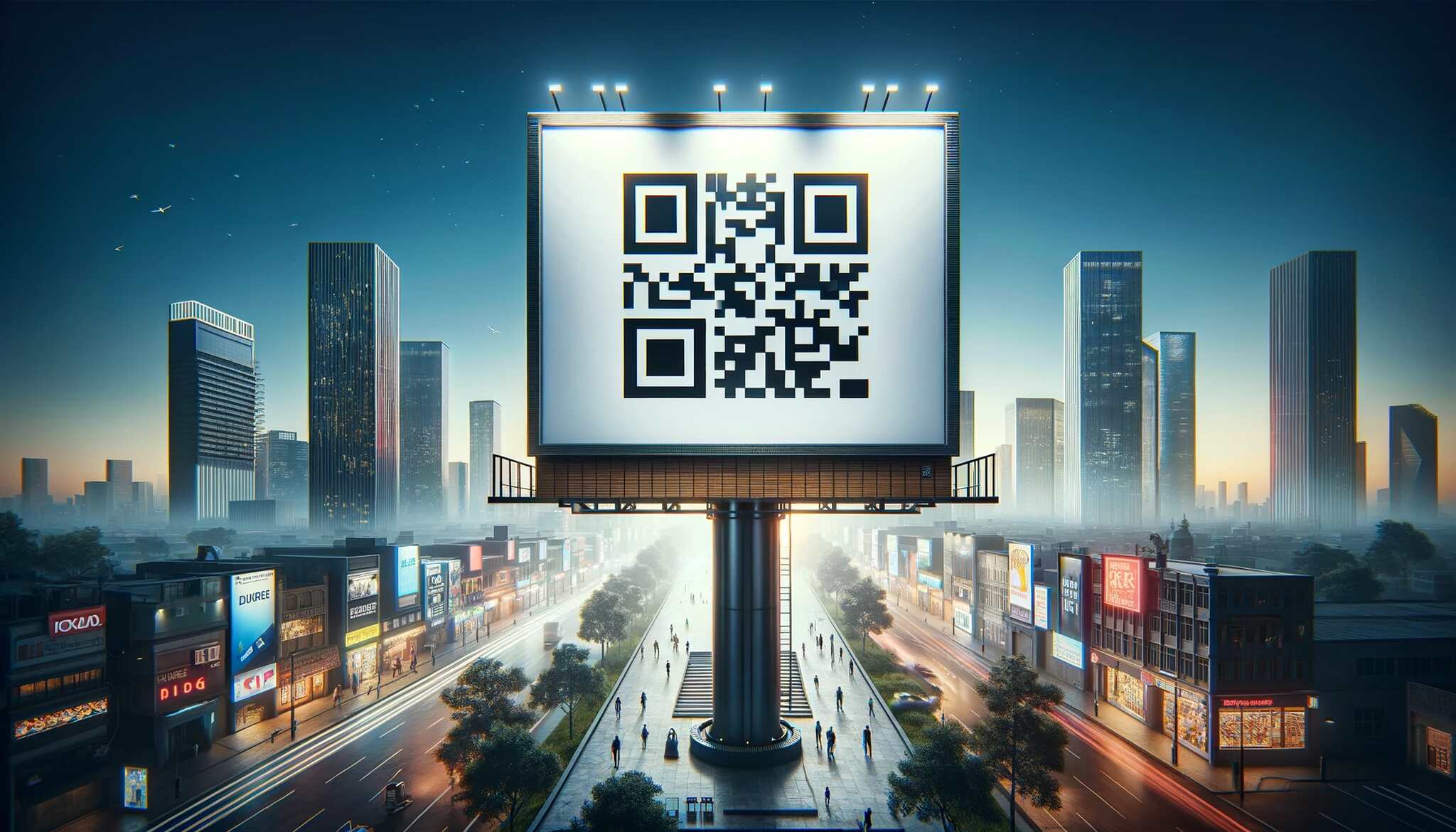
Yes, you can put a QR code on a billboard, and brands do it every week. The catch is scan distance. A driver doing 55 mph past a highway board can't pull out a phone. A pedestrian at a transit shelter, a fan in a stadium concourse, or a commuter on a subway platform absolutely can.
So the real question isn't whether you can put a QR code on a billboard. It's whether the placement gives someone the time and space to actually scan it.
Three things tell you if a board is QR-friendly:
- Dwell time. Viewers need 5–10 seconds minimum to register the code, lift their phone, and frame the camera. Transit, malls, airports, and stadiums all qualify. Highway dynamics usually don't.
- Approach geometry. Is the audience moving toward the board or perpendicular to it? Approach angles give longer reads. Side-passes give you milliseconds.
- Weather and lighting. Outdoor boards face rain, glare, and night cycles. Print on weatherproof vinyl, use high-contrast colors, and confirm the board's lighting plan if it's a static panel.
If your board passes those checks, you've earned the right to add a QR code. If not, the scan rate will be a rounding error and you're better off optimizing the visual and a short branded URL instead.
Why QR Codes Work on Billboards in 2026
Out-of-home advertising and QR scanning are both growing at the same time, which is rare. According to Super Code, the global OOH advertising market is on track to more than double from $31.89 billion in 2023 to $66.93 billion by 2032, at a 9.72% CAGR. Digital boards are the engine — Genoptic Smart Displays projects digital billboard advertising to grow at roughly an 8.9% CAGR from 2024 to 2030.
Audience scale hasn't shrunk either. Data from WifiTalents shows U.S. billboards deliver 88 billion impressions a year and reach 92% of American adults 18 and up, with digital sites pulling up to 2.5 million impressions per week.
QR adoption is finally matching that scale. Wave Connect reports over 102 million Americans will scan a QR code in 2026, with QR-based payments projected to hit $3 trillion in annual spending. The same source values the global QR market at $13.04 billion in 2025, climbing to $33.14 billion by 2030 at a 20.5% CAGR.
Put those numbers together and the picture is simple. Billboards still reach almost every adult in the country, and most of those adults now scan QR codes without a second thought. The friction that killed QR on print in 2014 — needing a special app — is gone. iOS and Android camera apps scan natively. That changes the math on every OOH buy.
If you want a primer on running OOH-style scan campaigns at scale, our QR code advertising guide goes deeper into formats and tracking setups.
Real-World Examples of QR Code Billboard Campaigns
It's easier to plan a campaign when you can copy the moves of brands that already nailed it. Four worth studying:
1. Burger King's Whopper Detour
The campaign you've probably already read about, but the details matter. Per Blip Billboards, Burger King geofenced 14,000+ McDonald's locations and used OOH plus app prompts to offer $0.01 Whoppers to anyone within 600 feet of a McDonald's. The result: 1.5 million app downloads in 9 days. The QR/app handoff is the part most marketers miss — the billboards weren't the offer, they were the trigger to open the app where the offer lived.
2. Victoria's Secret
Victoria's Secret has run scan-to-shop billboards in mall corridors and city centers, letting passersby pull up specific product pages or look-books without typing a URL. The placement choice does the heavy lifting — viewers are already in a shopping mindset, phones in hand.
3. Calvin Klein
Calvin Klein has used QR-led OOH to push directly into limited-drop landing pages and shoppable video. The angle here isn't volume of scans, it's the quality — the brand uses the scan as a soft segment, knowing that anyone who scans an outdoor fashion ad is already a high-intent prospect.
4. Spotify "Wrapped" boards
Spotify's annual Wrapped boards have used QR codes to drop viewers straight into the campaign hub, where users can pull up their personal stats. It's a textbook example of scan-to-personalization — the same billboard, the same QR code, but a different experience for every scanner.
The common thread across all four: the QR code never asks viewers to do something boring. It promises an offer, a product, a personal experience, or a piece of content the viewer can't get from the billboard alone.
How to Use a QR Code on a Billboard
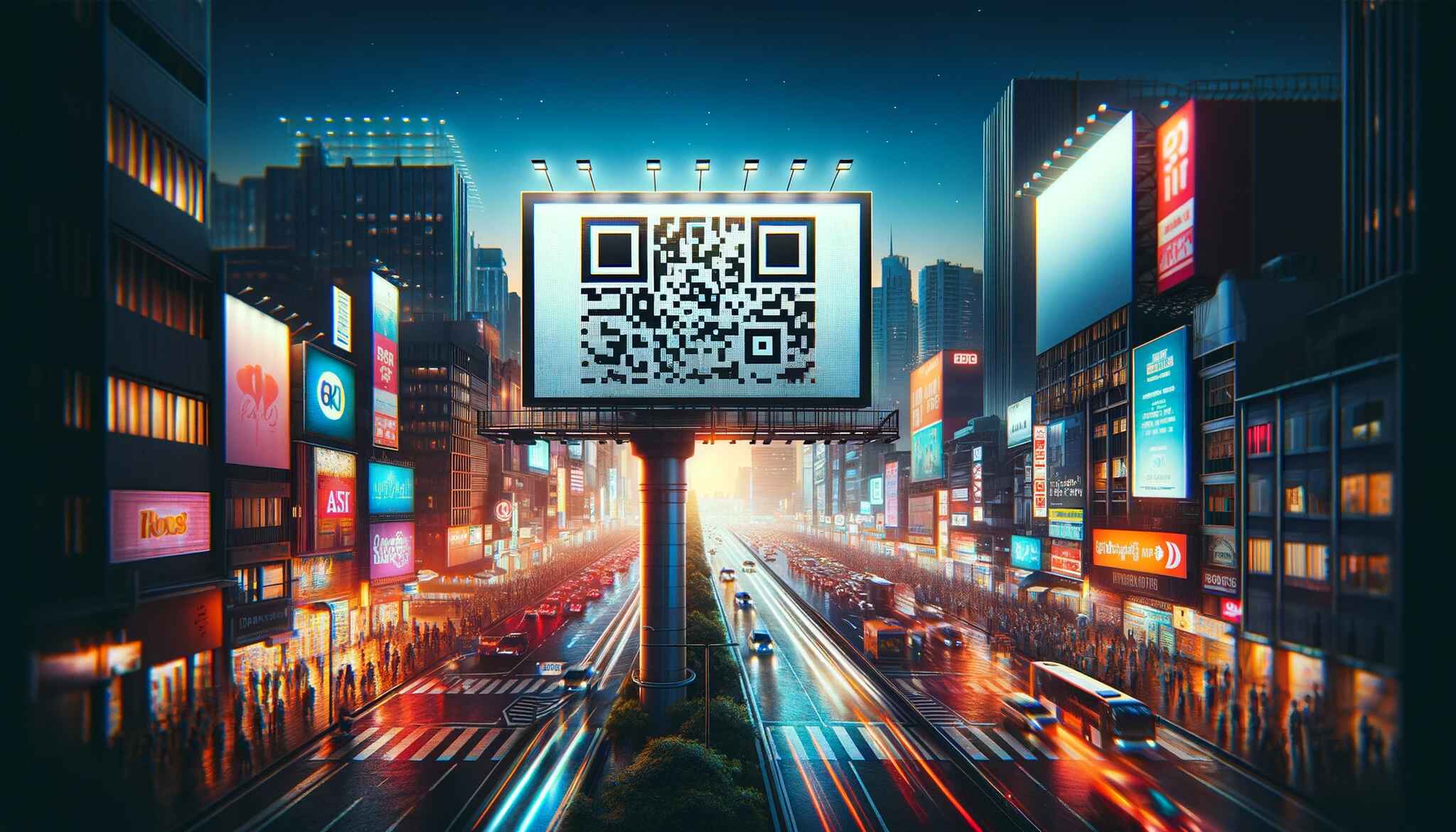
Choosing to add a QR code is the easy part. Doing it so people actually scan takes a few specific moves.
Choosing the Right QR Code Type
Not every QR code does the same job. The five most common types you'll see on outdoor ads:
- URL QR codes — the workhorse, scans straight to a landing page. Use these 90% of the time.
- Dynamic QR codes — same scan, but the destination URL is editable after print. Critical for OOH because you can fix a broken link or rotate offers without reprinting.
- vCard QR codes — saves a contact card to the viewer's phone. Useful for B2B field sales boards.
- App-download QR codes — detects the device and routes to the right app store. The Whopper Detour-style play.
- SMS or email QR codes — pre-fills a message. Niche, but useful for opt-in lead capture.
For 99% of billboard campaigns, a dynamic URL QR code is the right pick. You get editable destinations, scan analytics, and UTM-style tracking out of the box. Always tag the URL with UTM parameters so the scans show up cleanly in your analytics.
Correct Size and Position
Sizing is the place most billboard QR codes fail. The general rule: the QR code should be readable from the same distance you'd expect someone to read the billboard's headline. That usually means the code takes up 10% to 15% of the board's surface area, not the postcard-sized square you see on too many out-of-home buys.
A useful shortcut: every 10x increase in scan distance needs a 10x larger code. A 30 cm code reads comfortably at 3 m. To scan from 30 m, you need a 3 m code. The math is unforgiving. For a full breakdown, see our guide on minimum QR code size.
Position matters almost as much as size. The bottom-right corner is the conventional sweet spot — readers' eyes finish there in left-to-right cultures, and the code doesn't fight the main visual. If your CTA is "scan now," consider stacking the QR right under the CTA so the eye flows visual → headline → CTA → scan.
Dos and Don'ts
- Do add a one-line CTA next to the code ("Scan for 20% off", "Scan to watch", "Scan to apply").
- Do use a dynamic QR so you can fix mistakes or swap destinations mid-flight.
- Do add UTM parameters so the scans show up in your analytics.
- Don't place QR codes on highway-speed boards. Drivers can't scan safely.
- Don't use a tiny code surrounded by busy visuals. Give it a quiet zone of white space.
- Don't link to a homepage. Send scanners to the page that matches the ad's promise.
Factors Affecting Visibility and Scanability
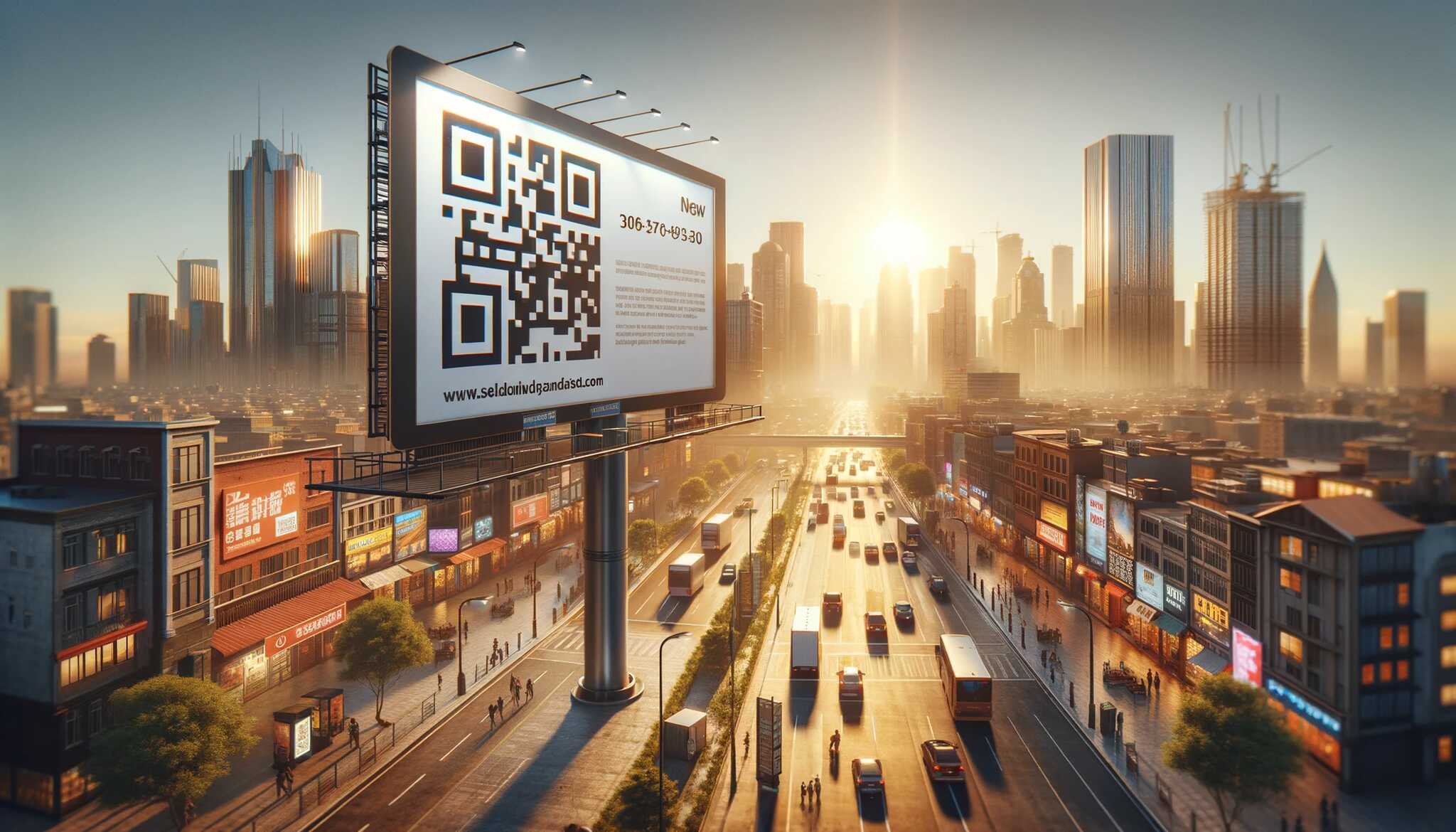
Five variables decide whether anyone actually scans your billboard QR code. Get any one of them wrong and the scan rate collapses.
1. Size of the QR Code
Size is the single biggest variable. Phone cameras need enough pixels to resolve the QR's modules. If the code is too small relative to the read distance, the camera can't lock focus and the scan fails. Aim for at least 10% of the billboard surface, more if the board is set back from the audience.
2. Contrast and Color
You can absolutely brand a QR code with your colors. What you can't do is drop the contrast. Black-on-white is the safest combination, but dark blue on cream, or your brand's primary on white, scans fine. The rule of thumb: if a black-and-white photocopy of your design loses the QR, your contrast is too low. For more ways to brand without breaking scans, see our QR code design ideas.
3. Location
Location works on two levels. On the billboard itself, the code needs a quiet zone of white space around it — about four modules' worth on every side. In the wider environment, the board has to be somewhere people can stop and scan. A board at a bus stop beats a board over a freeway every time.
4. Distance
The farther the audience, the bigger the code. A quick reference:
| Scan Distance | Minimum QR Code Size | Typical Placement |
|---|---|---|
| 1–3 m | 5–10 cm | Bus shelters, mall posters |
| 3–10 m | 15–50 cm | Subway platforms, indoor billboards |
| 10–30 m | 0.5–3 m | Roadside boards in slow zones |
| 30 m+ | 3 m or more | Highway boards (not recommended for QR) |
5. Clarity
Print resolution and material both matter. Use vector files (not rasterized JPGs) and confirm with your printer that the QR will be printed at the file's native resolution. Cheap vinyl can blur the edges of QR modules — pay for the print spec the campaign deserves.
Advantages of Using QR Codes on Billboards
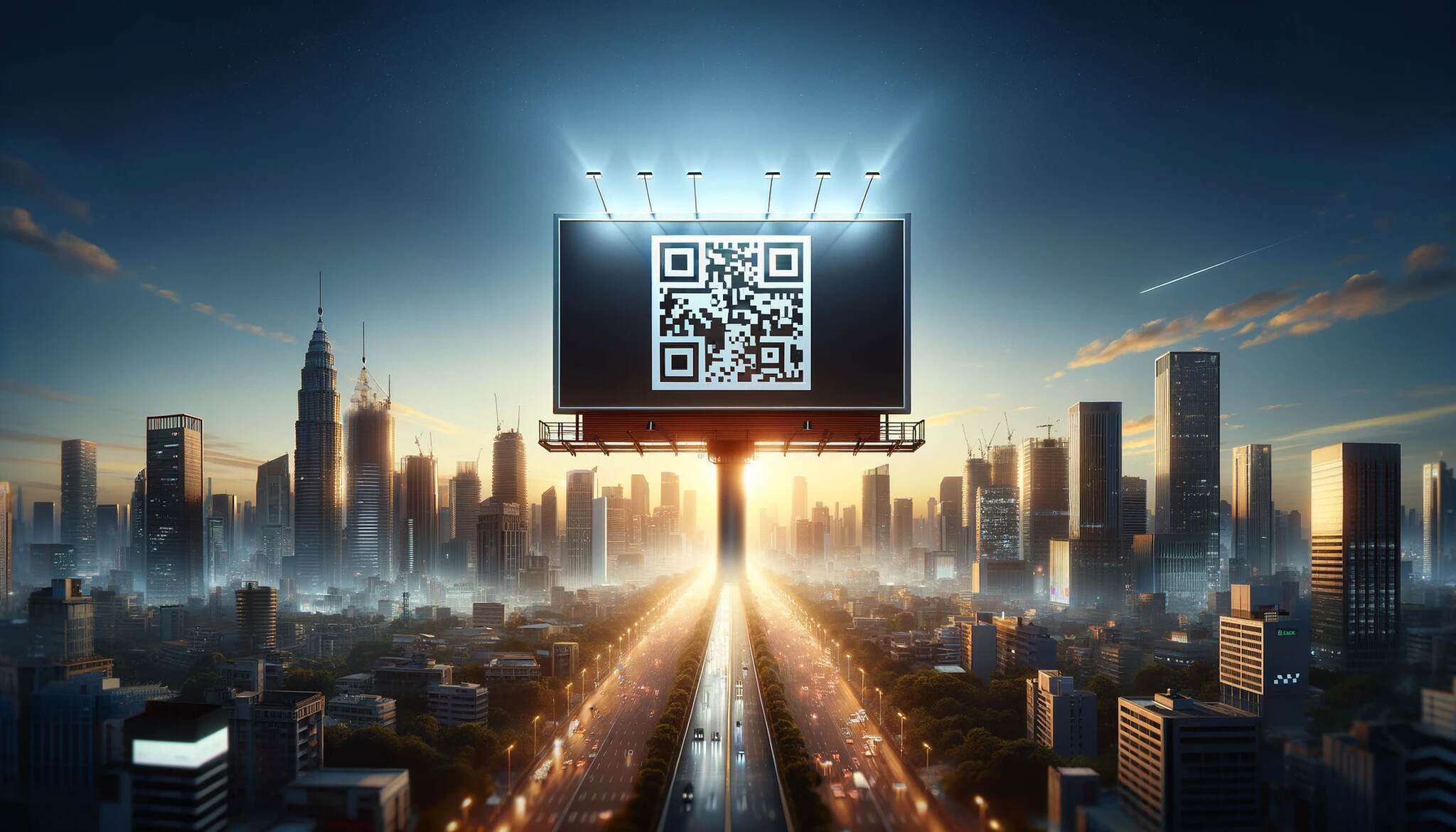
A static billboard is a one-way ad. Add a QR code and it becomes a measurable channel with three concrete benefits.
Interaction with Potential Customers
A QR code turns "I saw the ad" into "I clicked the ad." Once a viewer scans, you can serve a video, an offer, a personalized landing page, or a quick form. That's the same engagement layer your digital channels run on, attached to a medium that traditionally had none.
One example: a fitness brand we worked with replaced the static phone number on its bus-stop boards with a QR code linking to a 90-second trial signup. Scan-to-signup time dropped from 40 seconds (manual phone entry) to under 12 seconds. Same audience, same offer, 3x conversion.
Gathering Data from Scans for Analytics and Future Campaigns
Every scan of a dynamic QR is a data point: timestamp, rough location, device type, and any UTM you appended. Run two boards in two neighborhoods with different QRs and you have an A/B test by the end of the week. That's been impossible with traditional OOH for decades.
You can also feed scans straight into your CRM or attribution model. Treat each scan as a top-of-funnel touch and measure the downstream actions — newsletter signups, demo bookings, purchases. For more on stitching this together with your other print campaigns, see our guide on QR codes for print media.
Bridges Print and Digital
This is the benefit OOH has been chasing since 2010. Without a QR, your billboard's call to action is "remember this URL." With one, the action is "point your camera." The drop-off between print impression and digital action shrinks from minutes (or never) to seconds.
Brand consistency is the underrated piece. The landing page can mirror the billboard's visual exactly, so the scanner arrives somewhere that feels like a continuation of the ad, not a different brand.
Legal and Safety Considerations
This is the section most QR code guides skip, and it's the one that can sink your campaign.
Driver distraction is the central concern. In most U.S. states and most of Europe, using a phone while driving is illegal. A QR code on a roadside billboard implicitly invites a driver to take their eyes off the road and pick up a phone. Outdoor advertising trade groups have, in some markets, self-regulated against QR codes on highway-speed boards for exactly this reason. The Outdoor Advertising Association of America and similar bodies in the UK and EU have issued guidance discouraging QR placement where drivers are the primary audience.
Three practical guardrails:
- Pick the right placement. Transit shelters, station platforms, mall corridors, stadium concourses, airports, and pedestrian streets are all fair game. Highway boards, gas station forecourts, and busy intersections are not.
- Add a "scan when parked" cue. If your campaign must run on roadside inventory, the CTA should explicitly say "Scan when parked" or "Pull over and scan." It's not a perfect solution, but it shifts liability and signals safety to regulators.
- Check local rules. Some cities (parts of São Paulo, for example, with stricter outdoor advertising laws) have specific QR-code restrictions. Always check the municipal code before booking inventory.
None of this should scare you off OOH QR codes. It should just steer you toward placements where the audience can actually engage. Transit and pedestrian buys consistently outperform roadside boards on scan rate, and they sidestep the legal exposure entirely.
Best Practices for Billboard QR Codes
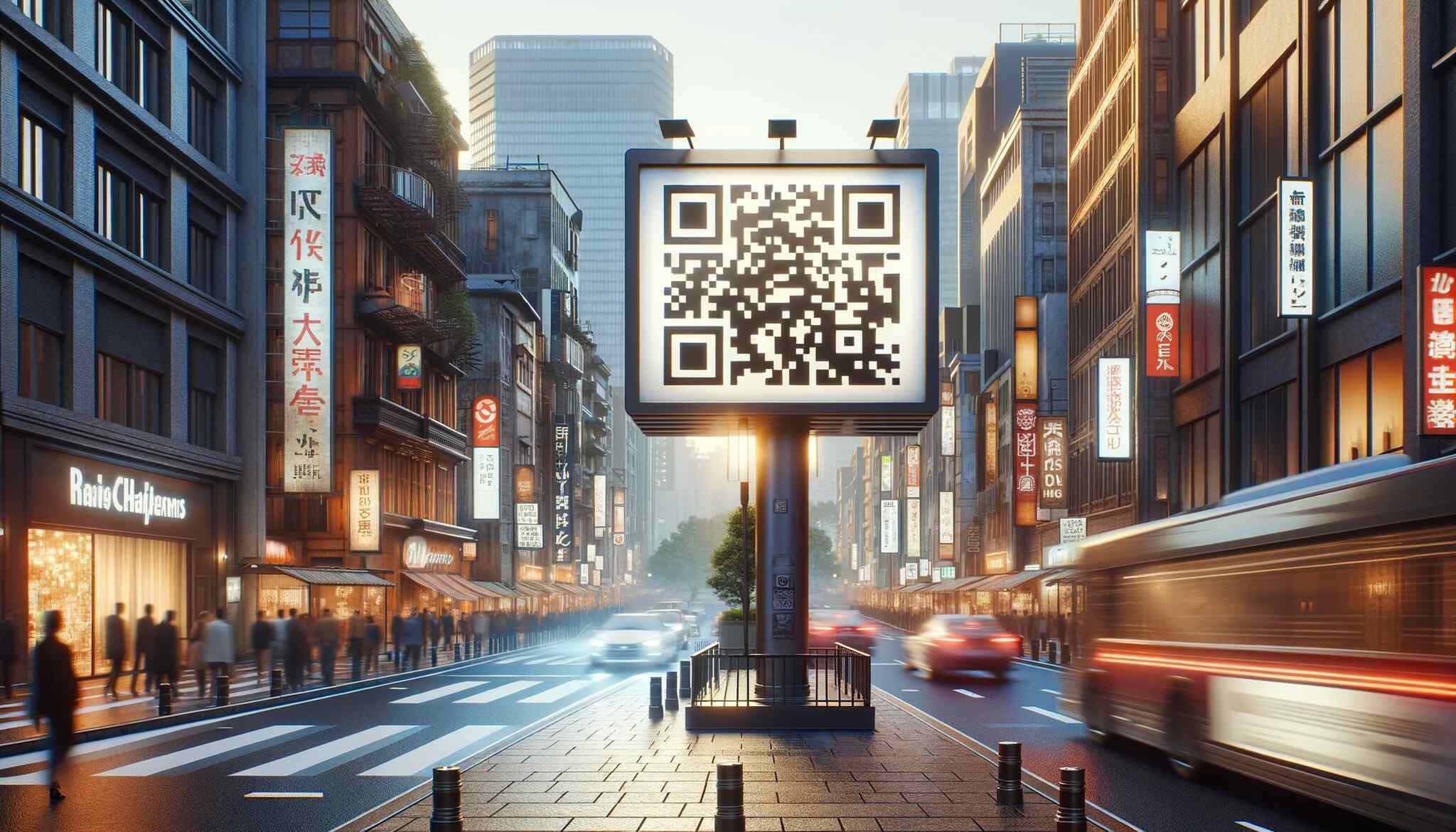
The basics handle 80% of the work. The other 20% is in these details.
Choosing the Right QR Code Generator
The generator you pick decides what's possible later. Three features matter:
- Dynamic codes. Static QRs lock the destination into the printed image. If your URL breaks or your campaign pivots, the print is dead. Dynamic codes let you edit the destination without reprinting.
- Scan analytics. Timestamp, device, rough location, and UTM passthrough — at minimum.
- Custom design. Brand colors, frame styles, embedded logos, and rounded modules let the QR feel like part of the ad rather than a stamp pasted on top.
You can spin up dynamic, trackable, brand-styled QRs in a few minutes with QR Code Dynamic — no design tools required.
Eye-catching and Clear Call-to-Actions
"Scan me" isn't a CTA. "Scan for 30% off" is. The viewer needs to know the reward before they raise their phone. Keep it short, specific, and concrete. The best CTAs use a verb plus an outcome: scan to watch, scan to save, scan to enter, scan to apply.
Mobile Optimized Content
Scanners arrive on a phone, not a desktop. The landing page should load in under 2 seconds, fit the screen without horizontal scroll, and put the next action above the fold. If your billboard CTA promises a discount, the discount should be visible without any scrolling.
Run a real-device test. Open the page on a mid-tier Android phone, on cellular, in bright sunlight. If it's slow or hard to read, fix it before the billboard goes live.
Testing Before Going Live
Before the print run, test the QR at the real distance. Print a mock-up at scale, walk it to the expected viewing distance, and try scanning. Try from multiple phones — iPhone, Pixel, mid-tier Android. Test in shade and in direct sunlight. Test from the angle viewers will actually approach the board.
Most scan failures we see in the wild aren't generation errors. They're untested distance or contrast issues that an hour of testing would have caught.
Clear and Uncluttered Design
The QR needs breathing room. Surrounding clutter — too many logos, multiple CTAs, busy backgrounds — competes for the same attention the QR needs. Treat the QR's quiet zone like sacred space. If you want the design playbook for adjacent print formats, our pieces on QR codes on posters and QR codes on banners apply almost verbatim to billboards.
Learning from Success Stories
Steal shamelessly. The Spotify Wrapped pattern (personal-stat landing pages), the Burger King pattern (offer plus geofence), the Calvin Klein pattern (high-intent niche product drops) — each one is a template you can adapt. Pick the pattern closest to your goal, run a tight version of it, and measure scans against the OOH industry benchmark of 1–5% of impressions.
Make QR Codes Part of Your Billboard Strategy
The best billboard QR code is boring on paper and brilliant in execution: a dynamic URL code, oversized for the read distance, in a placement where the viewer isn't driving, paired with a one-line CTA, pointing to a fast mobile landing page that matches the ad.
Start with one board. Pick a placement with dwell time. Run a dynamic QR with UTM tags. Watch the scan data for two weeks. Use what you learn to size the next board, refine the CTA, and pick the next placement. OOH plus QR is one of the few channels where you can iterate weekly on data that used to take a quarter to gather.
If you're new to applying QR codes across other physical surfaces, browsing how brands handle QR codes in retail will give you a quick sense of what's working in 2026.
FAQs
Should I put a QR code on my billboard?
Yes — if the board has dwell time. Transit shelters, malls, stadiums, and pedestrian streets all work. Highway-speed boards don't, both because drivers can't scan safely and because most jurisdictions ban phone use behind the wheel. Match the placement to the audience and the QR will earn its space.
What size should a QR code be on a billboard?
At minimum, 10% of the billboard's surface area. As a working rule, the code's width in centimeters should be about 10% of the read distance in centimeters — a 3-meter scan distance needs a 30 cm code, a 30-meter distance needs a 3-meter code. Always test at full scale before printing.
What is the 3-second rule for billboards?
The 3-second rule is the unofficial OOH design rule that a viewer should be able to absorb a billboard's full message in 3 seconds. For QR-coded boards, that means your CTA and reward have to read in 3 seconds; the QR scan itself can take longer because the viewer has already decided to act.
How effective are QR codes on billboards in 2026?
Effective when placement, sizing, and offer are right. With over 102 million Americans now scanning QR codes (per Wave Connect) and U.S. billboards reaching 92% of adults (per WifiTalents), the audience overlap is enormous. Typical scan rates on well-placed boards land between 1% and 5% of impressions — orders of magnitude above where things sat in 2018.
Can a billboard QR code lead to a video?
Yes. URL QR codes can resolve to any page — including video landing pages, YouTube, Vimeo, or a hosted MP4. For best results, host the video on a mobile-optimized page with autoplay disabled (browsers block autoplay with sound) and a clear play button above the fold.
Does the design of a billboard QR code matter?
Design matters as long as scanability stays intact. You can use brand colors, embed a logo in the center, and round the module corners. The non-negotiables are high contrast (dark code on light background, or vice versa) and a clean quiet zone around the code. Test on three phones before you print.
Discover our other blog posts before you go: